
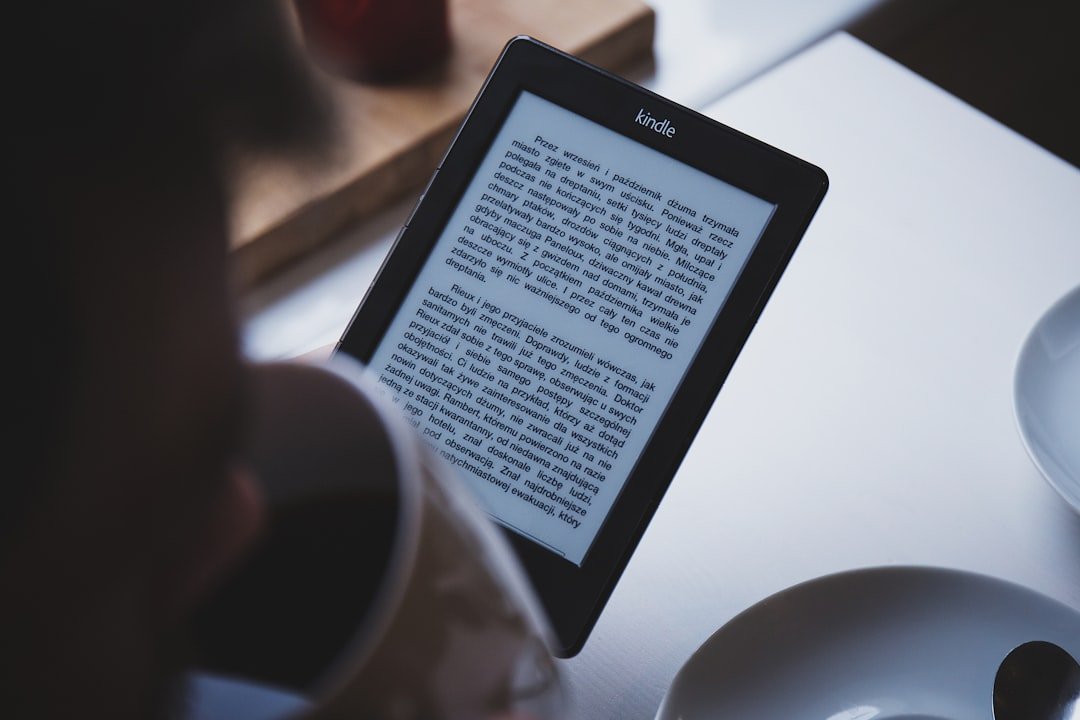
E-ink monitors occupy an odd corner of the desk-gadget market: expensive, greyscale, sluggish, and bought almost entirely on one promise, that they are kinder to your eyes than the LCD or OLED you stare at for eight hours. The promise is not baseless. There is real experimental evidence that e-ink behaves like paper where LCDs do not. But nearly all of that evidence comes from people reading books on e-readers for an hour or two, not from developers coding on a 25-inch e-paper panel all day. Here is what is measured, what is extrapolated, and who plausibly benefits.
How e-paper differs from LCD and OLED
The relevant differences are physical. An e-ink (electrophoretic) display forms an image with pigment particles and reflects ambient light, the way paper does; an LCD is backlit, shining light through the panel at your eyes, and an OLED emits light directly. In the research literature the split is described exactly this way: dedicated e-readers use electronic paper, while tablets and monitors are equipped with backlit LCD displays.
Two consequences follow. First, brightness: with e-ink, perceived brightness tracks the room, so the screen cannot outshine its surroundings the way a badly set LCD can. Second, temporal stability: an e-ink image is static between refreshes, with no backlight to modulate. Many LCDs and most OLEDs dim via pulse-width modulation (PWM), switching the light on and off hundreds or thousands of times a second. Whether invisible flicker of that kind harms comfort is its own research question, covered below. The trade-off is refresh: e-ink updates slowly and smears on motion, which is why nobody edits video on one.
What controlled studies find on visual fatigue
The best-known experiment is Benedetto and colleagues (PLoS ONE, 2013). Participants did prolonged reading sessions on a backlit LCD tablet (Kindle Fire HD), an e-ink reader (Kindle Paperwhite) and a paper book, with sessions separated by about ten days. On both an objective measure (blink rate, relevant because reduced blinking dries the eyes) and a subjective visual fatigue scale, the LCD produced more visual fatigue than either e-ink or paper, and e-ink was indistinguishable from paper.
That is the strongest single result behind the marketing, and it deserves its caveats. It is one lab study with prolonged but bounded reading sessions, and other work complicates the picture. Siegenthaler and colleagues (Ophthalmic and Physiological Optics, 2012) compared reading on e-ink and modern LCD devices and reached a deflating conclusion: it is not the display technology itself but image quality that seems crucial, and recent displays of both kinds allow comfortable extended reading. And a 2013 EEG and eye-tracking study by Kretzschmar and colleagues found comprehension did not differ across paper, e-ink and LCD, while older adults (66 to 77) actually showed lower reading effort on the backlit tablet, plausibly because its higher contrast compensates for age-related decline in contrast sensitivity.
So the fair summary of the comparative literature is: e-ink reliably behaves like paper; backlit screens sometimes measure worse on fatigue, sometimes equivalent, and occasionally better for specific groups; and image quality, brightness matching and text contrast matter at least as much as the underlying technology.
The flicker question
PWM flicker is the mechanistic argument for e-ink that goes beyond brightness. Light that modulates too fast to see is not automatically harmless: a 2025 focused review of temporal light modulation notes foundational research showing that continuous exposure to 100 Hz flickering light, invisible as flicker, can cause headaches, eyestrain and increased visual-cortex activity. That literature mostly concerns room lighting rather than monitors, and modulation frequencies on modern displays are often far higher, where evidence of harm is weaker. The reasonable reading: flicker sensitivity is real, varies between people, and an e-ink panel with no backlight sidesteps the question entirely, but there is no trial showing that switching monitors cures anyone’s symptoms.
The honest limits
Three gaps matter before you spend four figures on an e-paper monitor. First, task mismatch: the studies are about continuous reading of prose on e-readers; coding involves scrolling, window switching, syntax colour and frequent refresh, none of which the fatigue literature covers, and e-ink handles scrolling worst of all. Second, duration mismatch: no controlled study approximates an eight-hour workday on an e-ink monitor versus a well-configured LCD. Third, comparator mismatch: the LCDs in the classic studies are a decade old; a modern high-resolution panel, set to ambient-matched brightness, with a high or flicker-free PWM frequency, may capture much of the measured difference for free, which is exactly what the Siegenthaler conclusion implies.
None of this proves e-ink monitors do not help. It means the claim “reduces eye strain for all-day computer work” is an extrapolation from adjacent evidence, not a demonstrated result.
Who plausibly benefits
The strongest candidates: people whose work is mostly reading and writing text (long documents, code review, prose, terminals) rather than video or design; people who notice symptoms specifically with bright or flickering sources; and people who want to work near windows or outdoors, where reflective displays are at their best and LCDs at their worst. The weakest case: anyone whose discomfort stems from dry eye, uncorrected vision or poor ergonomics, which a new panel will not touch, and anyone doing motion-heavy work. Cheaper first steps with some evidential logic behind them: match screen brightness to the room, increase text size and contrast, take breaks that restore blinking, and get an eye test.
Common questions
Do e-ink monitors reduce eye strain?
In controlled reading studies, e-ink produced no more visual fatigue than paper, while a backlit LCD produced more. But those studies used e-readers and reading tasks, not all-day work on an e-ink monitor, so the benefit for a full workday is plausible rather than proven.
Is e-ink really like reading on paper?
For visual fatigue, the best evidence says yes: Benedetto’s 2013 study found no differences between e-ink and a paper book on blink rate or reported fatigue. Both are reflective displays lit by the room rather than from behind.
Does PWM flicker cause eye strain?
It can. Research on temporal light modulation shows that even flicker too fast to perceive, around 100 Hz, can cause headaches and eyestrain in continuous exposure. Sensitivity varies widely between individuals, and evidence at the much higher frequencies used by many modern displays is weaker.
Are e-ink monitors good for coding?
For reading and writing text they work, within greyscale and slow refresh limits; scrolling and video are poor. No study has measured fatigue during day-long coding on e-ink versus a modern LCD, so treat vendor eye-strain claims as extrapolation.
The bottom line
E-ink genuinely behaves like paper in fatigue experiments, and that is more evidential backing than most gadget health claims ever get. But the leap from “an hour of reading on a Paperwhite” to “eight hours of coding on an e-paper monitor” has not been studied, and a well-adjusted modern LCD closes much of the gap. Fix brightness, contrast, blinking and your prescription first; buy e-ink if your work is text-heavy and you have reason to think light sensitivity is your specific problem.
Did this answer your question?
Thanks. That helps us decide what to fix.



Leave a comment